What you'll learn
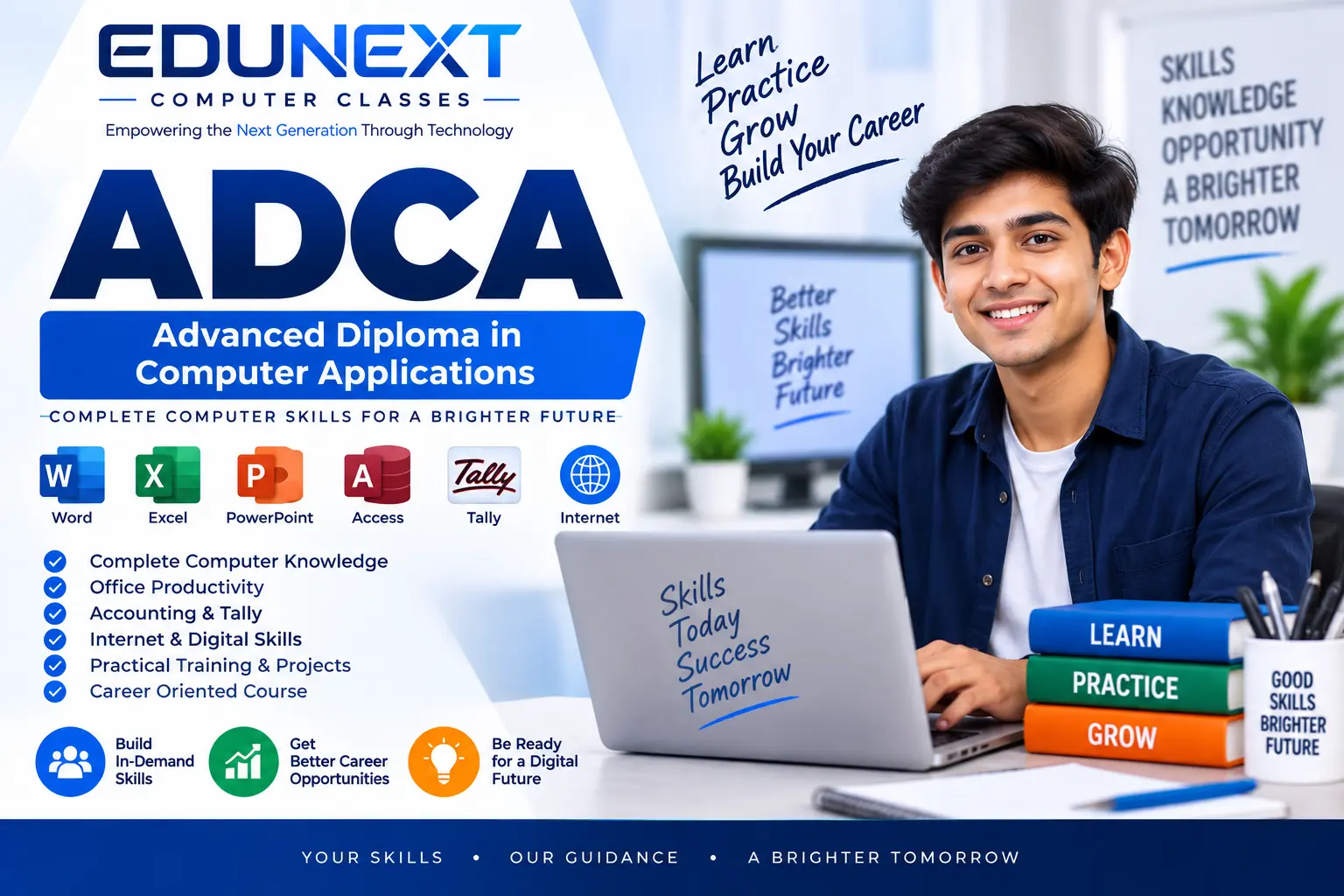
Advanced Diploma in Computer Applications (ADCA)
Duration: 12 Months | Mode: Theory & Practical Hands-on Training
Course Overview
Step into the modern digital workforce with our completely updated Advanced Diploma in Computer Applications (ADCA). Unlike traditional computer courses, this 12-month intensive program goes beyond basic typing and standard software. It is specifically designed to make you 100% job-ready by teaching the high-demand skills today's businesses actually use—from cloud computing and AI tools to GST compliance and professional web management.
Whether you want to work in a corporate office, manage a digital service center, handle financial accounts, or start your own freelance design business, this course provides the comprehensive foundation you need to succeed.
What You Will Learn
The curriculum is divided into two focused semesters, moving from essential digital literacy to advanced professional services:
- Modern Office Automation: Master the tools that run today's offices, including MS Office 365 and Google Workspace, ensuring you can collaborate and manage data in the cloud.
- Digital Banking & Cybersecurity: Learn the essential protocols for safe digital transactions, online portals, and utilizing modern AI Tools to increase productivity.
- Financial Accounting & Tax Compliance: Gain hands-on experience with Tally Prime and practical GST billing, making you an immediate asset to any local business, shop, or trading firm.
- Digital Graphic Design: Unleash your creativity using Photoshop, CorelDRAW, and Canva to design professional banners, flyers, social media reels, and marketing materials.
- Web Technologies & Portal Management: Understand the backbone of the internet with HTML, CSS, and JavaScript, giving you the skills to manage websites, student portals, and business dashboards.
- Hardware & OS Troubleshooting: Build the confidence to independently resolve common computer issues, install operating systems, and manage local network setups.
Career Opportunities
Upon successful completion of this course, students will be fully equipped to apply for roles such as:
- Back-Office & Data Entry Executive
- GST & Billing Accountant
- Banking Correspondent / CSP Operator
- Digital Graphic Designer (DTP Operator)
- Computer Operator & Admin Assistant
- Web & Portal Management Executive
Why Choose This Course?
We focus on practical, scenario-based learning. You won't just memorize definitions; you will create actual business bills, design real promotional posters, manage live accounting ledgers, and build functional web pages. You will graduate not just with a certificate, but with a complete portfolio of practical skills ready for the professional world.
Show More
Course Syllabus
CompDetailed Course Syllabus: ADCA (12 Months)
Semester 1: Foundation & Digital Literacy (Months 1 - 6)
Module 1: Computer Architecture & OS Troubleshooting
- Understanding computer generations and core hardware components (CPU, RAM, Motherboard, SMPS).
- Connecting external peripherals (Printers, Scanners, Biometric devices).
- Installing and configuring Windows 10/11 operating systems.
- Basic hardware troubleshooting (Resolving display issues, RAM cleaning, POST errors).
- Managing device drivers and using the Device Manager.
Module 2: Typing Skills & Multilingual Data Entry
- Keyboard finger positioning and touch-typing techniques.
- High-speed English typing practice for data entry roles.
- Regional language typing (Hindi fonts like Kruti Dev and Mangal).
- Speed and accuracy building through timed typing tests.
Module 3: Office Automation (MS Office 365 & Google Workspace)
- MS Word / Google Docs: Document formatting, page layouts, drafting official letters, and using Mail Merge for bulk printing.
- MS PowerPoint / Google Slides: Creating professional presentations, adding animations, slide transitions, and inserting multimedia.
- Cloud Storage: Using Google Drive and OneDrive to save, share, and manage files securely online.
Module 4: Digital Banking, Cybersecurity & AI Tools
- Safe browsing habits and identifying phishing scams or fake links.
- Operating digital payment portals (UPI, NEFT, RTGS) safely.
- Basics of Aadhaar Enabled Payment Systems (AEPS) and banking correspondent workflows.
- Using modern AI tools (like ChatGPT or Gemini) to write professional emails, translate text, and fix grammar.
Semester 2: Professional Services & Tech Management (Months 7 - 12)
Module 5: Financial Accounting & Tax Compliance (Tally Prime & GST)
- Basics of manual accounting (Rules of Debit & Credit).
- Company creation, ledger management, and inventory tracking in Tally Prime.
- Recording day-to-day business vouchers (Receipts, Payments, Sales, Purchases).
- Generating GST-compliant invoices and understanding basic GST terminology (CGST, SGST, IGST).
- Exporting financial reports (Balance Sheet, Profit & Loss) for tax filing.
Module 6: Digital Graphic Design (DTP)
- Adobe Photoshop: Passport photo creation, color correction, background removal, and photo retouching.
- Canva: Rapid design techniques for modern social media posts, reels, and digital marketing posters.
Module 7: Web Technologies & Portal Management
- HTML Basics: Structuring a webpage, adding text, images, and creating hyperlinks.
- CSS Styling: Changing colors, fonts, and layouts to make a website visually appealing.
- Basic JavaScript: Adding simple interactivity like pop-up alerts or form validations.
- Understanding how to navigate and manage backend admin dashboards for student or employee portals.
Module 8: Data Analysis & Database Management
- Advanced MS Excel / Google Sheets: Mastering VLOOKUP, HLOOKUP, Pivot Tables, Conditional Formatting, and Data Validation.
- Creating automated salary slips, attendance sheets, and stock registers.
- MS Access: Introduction to relational databases, creating tables, simple SQL queries, and generating printable reports.
uter Application
 Bestseller